

Here are some great resources to help you get started with building the perfect extraterrestrial civilization:
Creating your world can be a fun and creative project that can showcase your skills and imagination. Here are some possible steps that you can follow to make your school:
Step 1: Introduction to the Challenge
- Explain the Objective: Introduce the challenge to your students, explaining that they will be designing and creating an entire extraterrestrial civilization on another planet. They will also need to take into account that human beings will be visiting their world and must stay alive. Emphasize the importance of making it self-sustaining and fully accessible for everyone.
- Discuss Key Concepts: Discuss what self-sustaining means (e.g., renewable energy, water recycling) and what accessibility entails (e.g., ramps, braille signs, inclusive playgrounds). Talk about the need to grow your own food and to make all this fun for your human guests.
Step 2: Research and Planning
- Research Session: Have students research sustainable building practices and accessibility features. Provide resources such as articles, videos, and websites.
You might wish to take your students through some of these Minecraft lessons about accessibility and sustainability:
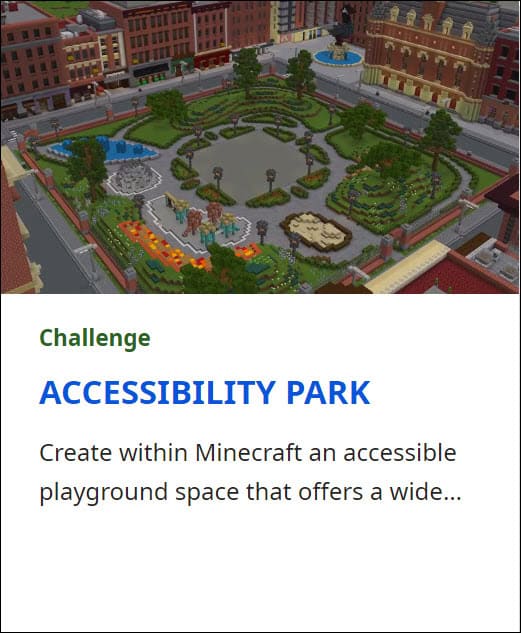
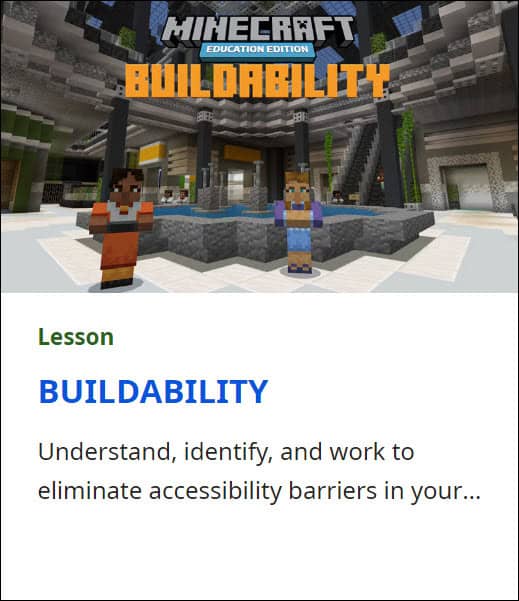
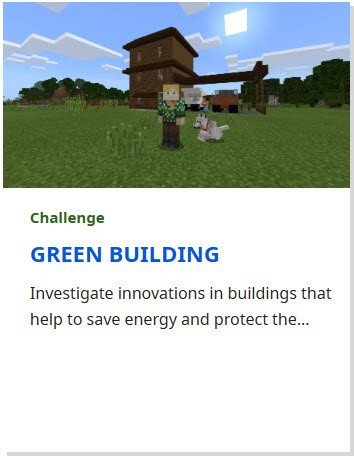
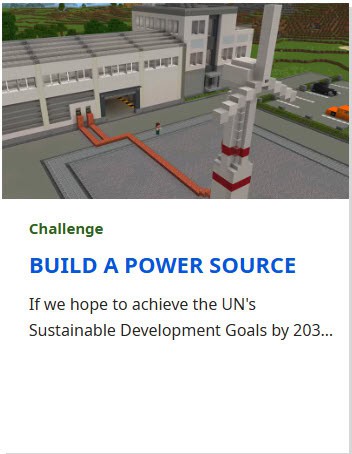
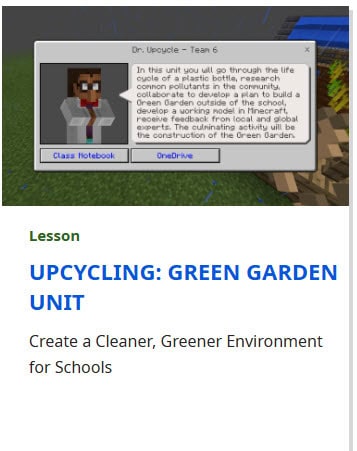
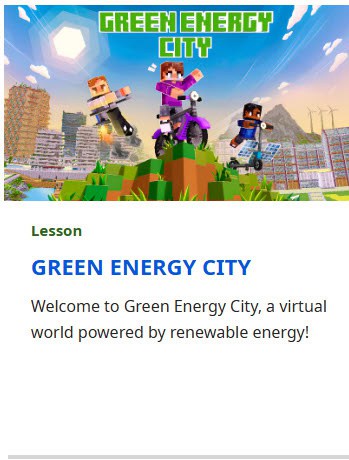
or try some Minecraft lessons about sustainability that can be found here: Search Results | Minecraft Education
They may also wish to research what the atmosphere is like on other planets:
Solar System | NASA Space Place – NASA Science for Kids
What is a Planet? | National Geographic Kids
2.Brainstorming: Organize a brainstorming session where students can share ideas and discuss what features they want and need in their civilization.
3. Planning:
- Create a sketch of your extraterrestrials. Label them and write out what they need to survive.
- Write out the conditions on your planet and list how your aliens use these and what humans would need to be able to visit.
- Sketch out what your civilization will look like.
Here is a planning sheet that you can print out on 11 x 17 paper:
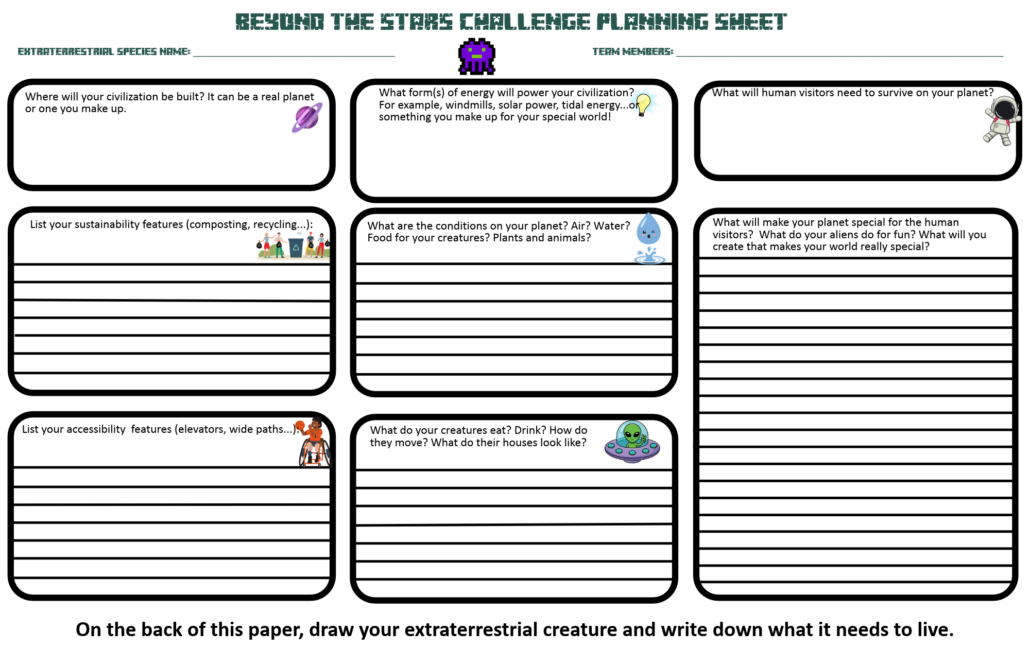
Beyond the Stars Challenge Minecraft Resort Planning Sheet
4. Look at the requirements: Go through the judging rubric to make sure that their plans meet the requirements. Comox Valley Schools Minecraft Challenge Rubric – Learn71
Step 3: Learning Minecraft Basics
- Minecraft Tutorial: Ensure all students are familiar with Minecraft. Conduct a tutorial session covering basic controls, building techniques, and how to use creative mode (Open Minecraft – Click on Play – Click on Library – Click on How to Play – Click on Start Here or Additional Tutorials) .
- Practice Session: Allow students some time to practice building simple structures in Minecraft to get comfortable with the controls.
Step 4: Building the Extra-Terrestrial Civilization
- Group Formation: Divide students into small groups, ensuring a mix of skills and abilities in each group.
- Assign Roles: Assign roles within each group (e.g., designer, builder, researcher) to ensure everyone has a part to play.
- Building Phase: Give students a set amount of time to build their world in Minecraft. Encourage them to collaborate and help each other.
Step 5: Presentation and Reflection
- Presentation: Have each group do their screen recording and fill in the form to submit their entry. Make sure that they follow the judging rubric. It may be good for them to do a peer practice and get feedback on their presentation before they do their final recording. Make sure that they explain the features they included and why. Here is a script that students can fill in to help with their presentation: Click here for a script
- Feedback Session: Facilitate a feedback session where students can ask questions and provide constructive feedback to each other.
- Reflection: Ask students to reflect on what they learned about sustainability, accessibility, and ecotourism and how they applied these concepts in their designs.
Step 6: Evaluation and Celebration
- Celebrate: Celebrate the students’ hard work with a small event or reward, such as a certificate or a Minecraft-themed party.
Additional Tips
- Guest Speakers: Invite experts in sustainability or accessibility to speak to the class.
- Field Trips: If possible, organize a visit to a sustainable building or an accessible facility to give students real-world examples.
This challenge not only enhances students’ creativity and teamwork skills but also raises awareness about important issues like sustainability, accessibility and care for their community and environment. Have fun building!
Here are some instructions to help you understand the world set up: Minecraft Settings
Here are some instructions for students getting started using Minecraft on a computer: 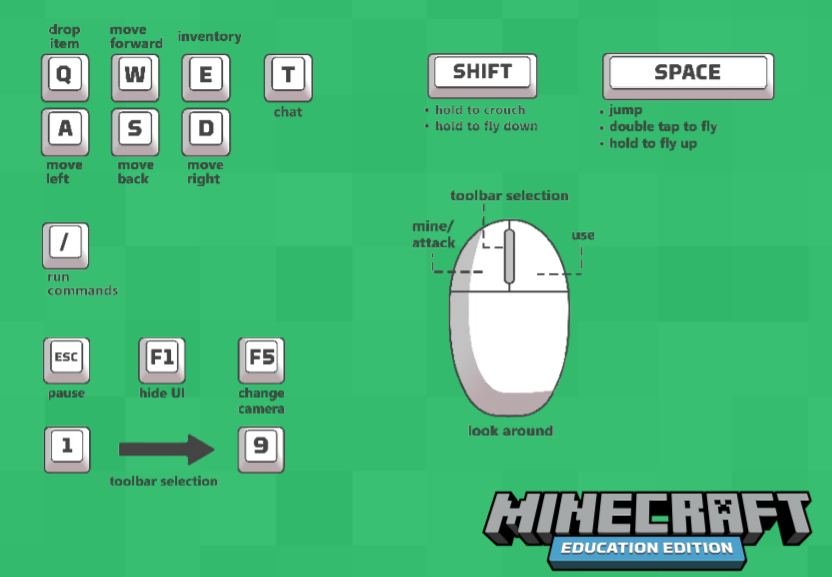
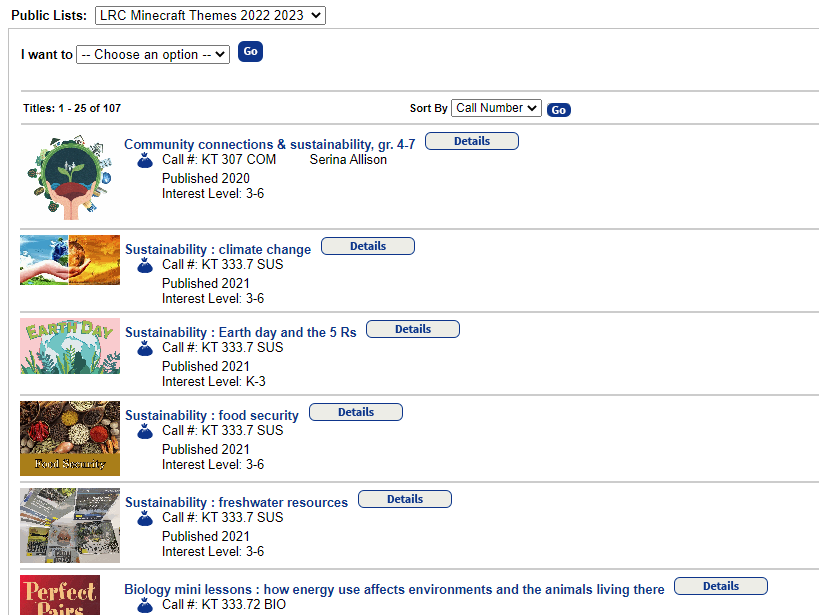
Here are some books and kits that you can get from the LRC to study sustainability:
How to make a Water Elevator:
Click here for step by step instructions
How to use Chalkboards (Slate, Poster and Board)